


You can try toothpaste or wax, but do so at your own risk.
By Robin Bea
ArtCreationsDesignPhoto/Shutterstock
Add Engadget on Google:
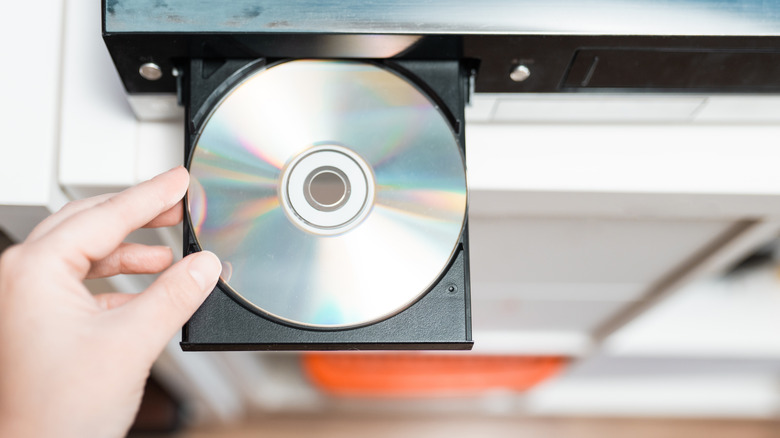
Just like vinyl records before them, CDs are back. As strange as it may seem if you grew up with them, CDs have become a nostalgic icon of the joys of physical media — but they’re also a reminder of why we all went digital in the first place. The biggest drawback of CDs was always just how easy it can be to ruin one with a careless scratch, and that hasn’t changed. If you’re embracing CDs for the first time or taking them for a spin again because of the CD revival, a scratch may seem like the end for your favorite album, but there are a few time-tested ways to get your discs back in playing shape.
The first step to fixing a CD that’s skipping or not playing is to see if it just needs to be cleaned. Oils from your hands and debris like dust can cause playback issues without actually damaging the disc and they’re easy enough to wipe away. To start, grab a lint-free cloth like microfiber and use it to wipe the CD from the center to the outer edge. Don’t wipe across the CD, as this can cause more damage. For really dirty discs, you can use a little 70 percent isopropyl alcohol or distilled water applied to the cloth, though this typically isn’t necessary. If you use any kind of liquid, make sure it’s completely dried before you try to play or store your discs.
DIY methods can work if you’re careful
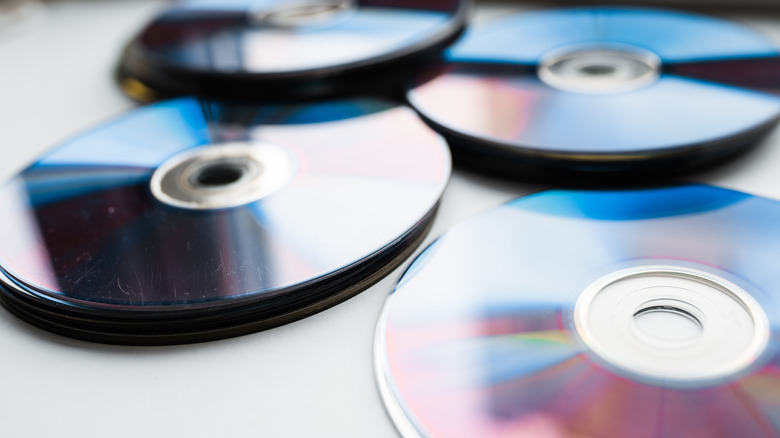
For deeper scratches, there are a few time-tested DIY methods you’ll find recommended often, but none of them are foolproof. Keep in mind that if you’re taking disc repair into your own hands, there’s no guarantee that you’ll actually make things better, and there’s some chance you’ll make the problem worse. That being said, it’s entirely possible to buff out scratches and make CDs playable again, but whether it works depends on just how bad the damage is in the first place. For DIY disc repair, the goal is to use some form of abrasive to sand down the layer of the CD with a scratch, letting the player’s laser reach the data stored deeper in the disc.
Toothpaste is one of the most common cleaners to use, since it’s cheap, accessible and not too damaging. Make sure you have plain white toothpaste without any gels, beads or whitening agents, and squirt a bit on the disc. Spread it evenly, then use a lint-free cloth to wipe from the inside of the disc outward a few times, all around the disc. Then rinse it off with water and let it dry. You can perform the same process with a stronger abrasive like 3M rubbing compound if you prefer.
If your disc still doesn’t work, you can apply a thin layer of wax (like shoe polish or Chapstick) to seal the scratches. Just apply the wax from the inside of the disc to the outside and wipe it away using the same motion after a few minutes. Remember to let any product you apply dry completely before using your disc.
You can’t fix every CD at home
ArtCreationsDesignPhoto/Shutterstock
For scratches you can’t get out yourself, disc repair services are also an option, though they’re rare these days and you may not have one near you. These services use professional-grade machines that essentially buff discs the same way that home methods do, but they can be more reliable. If you’re really serious about preserving your discs, you can also buy one of these high-end machines yourself, but since they can run into the thousands of dollars, it’s not an option for most people. In most cases, seeking professional repair or buying a disc repair machine only makes sense if you’re trying to preserve rare CDs with material you can’t find elsewhere.
If you want to preserve the data on your CD and you’re not precious about the disc itself, it’s a good idea to invest in a CD burner. This lets you copy the data on the disc, keeping it safe even if the physical CD is damaged. Making copies is a good idea, since your CD collection won’t last forever. In some cases, a burner may be able to record the data from a disc even when scratches are causing it to skip in your CD player, letting you make another copy later. Like with any repair method, the success of a CD burner depends on how damaged the disc is, but it’s a non-destructive way of preserving your CD’s contents when it works.

