


An eGPU can bring desktop-class graphics to a laptop, but cables, bandwidth limits and extra costs can eat into the advantage.
Connecting a desktop graphics card to your laptop seems like a neat solution to one of the oldest problems in portable computing. Use the thin machine for work and travel, and connect to a much more powerful GPU when you get home. An external GPU (eGPU) can do just that, but all that extra graphics power still has to travel through Thunderbolt or USB4 instead of the direct internal connection used by a built-in laptop GPU. That bandwidth bottleneck can eat into the desktop card’s advantage, and the cable it’s connected to holds sway as well.
In this comparison, “onboard” primarily refers to a dedicated GPU built into the laptop, not the integrated graphics in the laptop’s processor. Even when a laptop GPU shares its name with a desktop GPU, the hardware can be vastly different. The RTX 5090 Laptop GPU features 10,496 CUDA cores, 24GB of GDDR7 memory, and a GPU subsystem power range of 95W to 150W. Meanwhile, you’ll find 21,760 CUDA cores and 32GB of GDDR7 memory on NVIDIA’s desktop RTX 5090. That’s a significant gap before even considering bottlenecks, like Thunderbolt.
Thunderbolt is still the bottleneck
 Eric H Cheung/Shutterstock
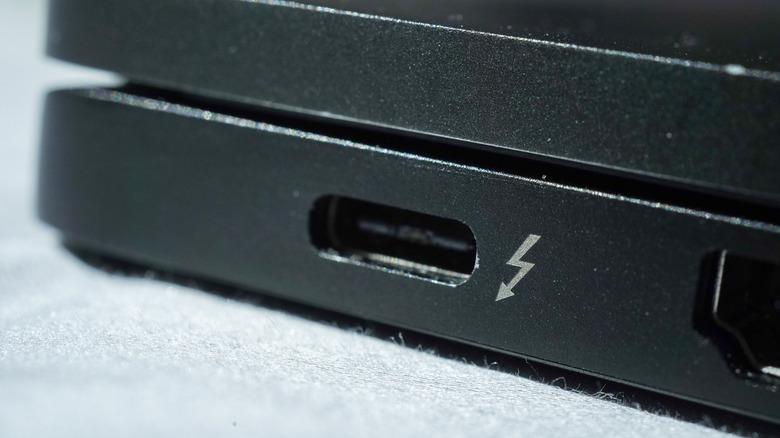
A modern eGPU typically communicates with the laptop via Thunderbolt or USB4, rather than directly on its PCIe bus, and that’s where some of the desktop card’s edge is lost. A built-in laptop GPU uses an internal PCIe connection instead.
Thunderbolt 4 has 40 Gbps of overall bandwidth and requires 32 Gbps of PCIe data throughput, while Thunderbolt 5 upgrades the base speed to 80 Gbps and doubles that PCIe requirement to 64 Gbps. Internal laptop GPUs can use wider multi-lane PCIe connections, depending on the laptop’s design, giving them more room to move data without the Thunderbolt bottleneck.
That bottleneck is more noticeable when it comes to a powerful desktop card. NVIDIA’s desktop RTX 5090 has 1,792GB/s of memory bandwidth and a 575W total graphics power rating, compared with 896GB/s and a 95W to 150W GPU subsystem power range for the RTX 5090 Laptop GPU. Those aren’t PCIe bandwidth figures, but they show how much more raw hardware the desktop card brings before the external connection starts holding it back.
Thunderbolt 5 also has a 120 Gbps Bandwidth Boost mode, but that isn’t 120 Gbps of PCIe bandwidth for the GPU. Intel says PCIe data throughput remains at 64 Gbps. While USB4 can also support PCIe traffic, a USB-C-shaped port alone doesn’t guarantee eGPU compatibility. The host hardware needs the right support, and the enclosure, drivers, GPU and power requirements must all cooperate (because apparently one cable was getting too easy).
Using the laptop’s built-in display can add another penalty because rendered frames may have to travel back through the same limited connection. This is why some brands suggest connecting an external monitor directly to the eGPU for better performance. There’s no universal performance-loss percentage, since the GPU, laptop, connection, resolution and game all affect the result.
There’s a reason the built-in GPU is slower
 Andrey Znamenskyi/Getty Images
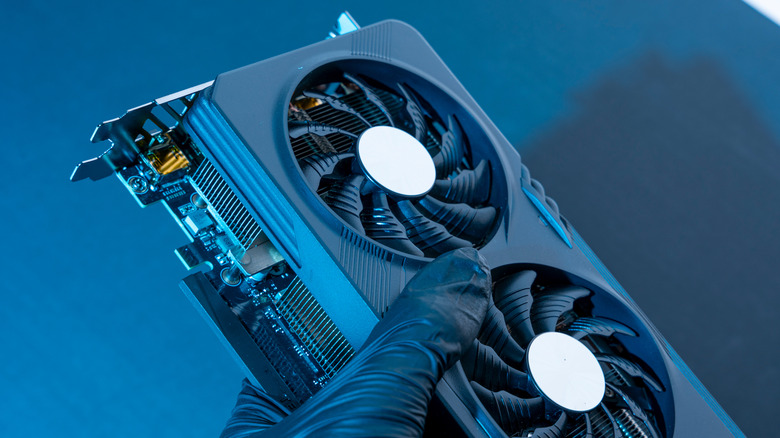
A laptop GPU begins with less raw hardware, but it doesn’t have to deal with most of this plumbing. It operates within the laptop’s cooling and power constraints, doesn’t have to send rendered frames back over an external cable, and remains in the laptop when you pick it up. The portability benefit is more like a suggestion with a traditional desktop-card eGPU. You now have an enclosure, a desktop GPU, and maybe an ATX power supply on the desk, while a big card can add size and noise to the mix.
Let’s not forget to talk about the cost associated with eGPUs. As an example, Razer’s Thunderbolt 5 Core X V2 supports full-size NVIDIA and AMD desktop cards up to four slots wide. The enclosure also has its own 120mm cooling fan, but it doesn’t come with a GPU or even the necessary ATX power supply to keep it running. Those would be added expenses on top of approximately $350 for the enclosure itself.
That math gets considerably friendlier if you have a suitable GPU sitting around after a desktop upgrade. At that point, the enclosure could significantly upgrade your laptop without buying another computer. It’s more difficult to justify purchasing a high-end desktop card specifically for an eGPU, especially since you’re paying for all that power and then sending it through a cable that might not allow you to use it all.

